
Free DA PA Checker Tool — How to Use It
I’ll be straight with you. When I first needed to check domain authority for a list of websites, I went to Moz directly. Created an account, navigated through their dashboard, and realized pretty quickly that their free plan had strict limits — you could only check a handful of sites before hitting a wall. For anyone doing link building or guest post outreach at any kind of scale, that’s just not practical.
That’s when I started using dedicated DA PA checker tools. Free, fast, no account required. Once you use one, you won’t go back to doing it the long way.
This guide covers everything — what a free DA PA checker actually gives you, how to use it properly, and how to get the most out of the results.
What Does a Free DA PA Checker Actually Give You?
Before jumping into the how-to, it’s worth knowing what you’re actually getting back when you run a check. A good free DA PA checker doesn’t just show you two numbers. Here’s what you typically see:
Domain Authority (DA) — the overall strength score of the entire website, scored from 1 to 100 by Moz.
Page Authority (PA) — the strength score of the specific page URL you checked, also 1 to 100.
Spam Score (SS) — a percentage that tells you how likely Moz thinks a site is to be penalized or flagged as low quality. Lower is better. Anything above 60% deserves serious scrutiny.
Domain Age — how long the domain has been registered. Older domains tend to carry more trust, though it’s not everything.
IP Address — the server your target site is hosted on. Mostly relevant if you’re doing private blog network (PBN) research or checking whether multiple sites share hosting.
Domain Rating (DR) and URL Rating (UR) — some checkers pull Ahrefs data alongside Moz, so you get both perspectives in one go.
Getting all of this in one free tool, in about three seconds, is genuinely useful. Let’s get into how to actually use it.
How to Use the Free DA PA Checker at dapa-checker.com
Step 1 — Open the Tool
Go to dapa-checker.com. The checker is right there on the homepage — no digging through menus, no signup page in your way.
Step 2 — Paste Your URLs
Click inside the input box and paste in the URLs you want to check. One URL per line. You can check a single site or a whole batch at once.
A few things worth knowing here:
You can paste full URLs like https://example.com/blog/post-name or just root domains like example.com — the tool handles both. If you’re checking a competitor’s homepage, just paste the domain. If you’re checking whether a specific page is worth getting a link from, paste the full URL.
If you’re not sure what to check first, hit the Sample button — it loads a few example URLs so you can see how the results look before you run your own.
Step 3 — Choose Your Mode
You’ll notice two options at the top: DA/PA and DR/UR.
DA/PA pulls from Moz. DR/UR pulls from Ahrefs. They measure similar things but use different data sets and algorithms, so the numbers often differ between the two.
For most standard SEO work — guest posting, link prospecting, competitor checks — DA/PA is what people use. Switch to DR/UR if you’re working with someone who specifically asks for Ahrefs metrics.
Step 4 — Hit Check DA PA
Click the button and give it a couple of seconds. Results load fast, even for larger batches.
Step 5 — Read Your Results
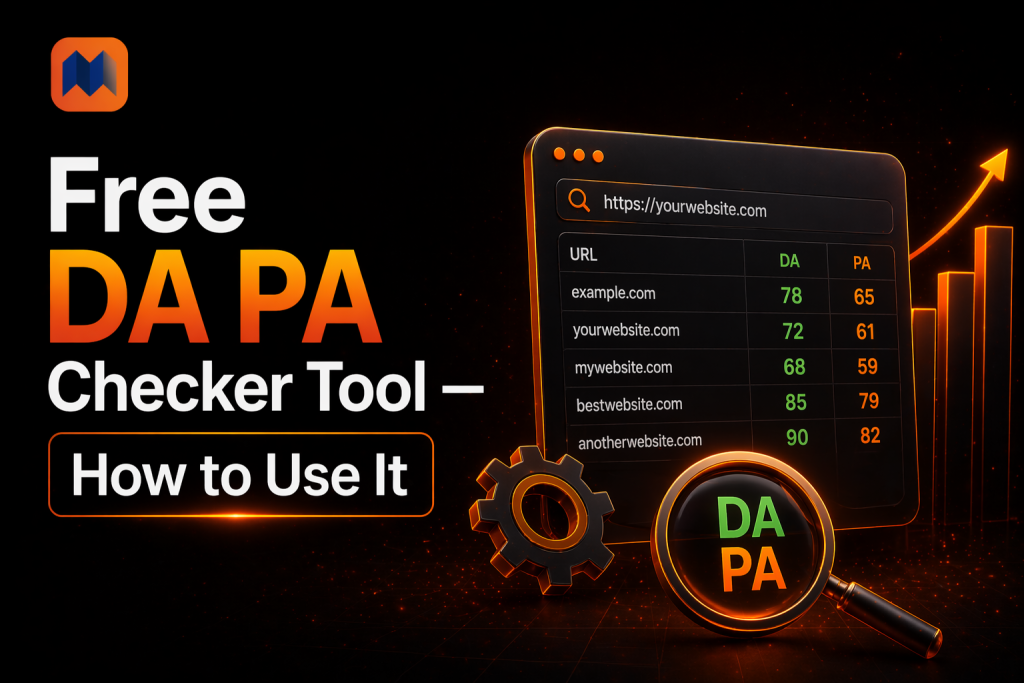
Your results appear in a clean table. Each row shows the URL you checked alongside its DA, PA, spam score, and other metrics.
Here’s how I actually read this table in practice: I scan DA first to filter out anything too weak, then I check spam score to rule out anything suspicious, then I look at PA if I care about a specific page. That three-step scan takes about five seconds per row once you get used to it.
Step 6 — Export if You Need To
If you’re building a link prospecting spreadsheet or reporting results to a client, hit the Export button. It downloads everything as an Excel file — clean, organized, ready to share.
Real Ways People Use This Tool Daily
Guest Post Outreach
This is probably the most common use case. You’ve found 30 websites that accept guest posts in your niche. Before you spend time writing pitches, you run all 30 URLs through the checker. Anything with a DA under 15 or a spam score over 50 gets cut from your list immediately. You just saved yourself from chasing low-quality links.
Vetting Competitor Backlinks
Pull your competitor’s backlink list from any SEO tool, paste the linking domains into the DA PA checker, and you’ll quickly see which of their links are genuinely valuable and which are junk. This tells you which link sources are actually worth going after yourself.
Checking Your Own Site’s Progress
Run your own domain through the checker once a month and log the result somewhere. It’s one of the most satisfying things in SEO — watching that number climb over months as your backlink profile grows.
Buying Expired Domains
If you’re in the expired domain game, running dozens of domains through a DA PA checker before bidding can save you real money. A domain with a DA of 30 but a spam score of 80 is worth nothing. A clean DA 25 domain with a spam score of 5 is a completely different story.
Evaluating Paid Link Opportunities
When someone emails you offering a link for payment, the first thing you do is check their DA and spam score. If their DA is 12 and spam score is 65, you know exactly what to say — no thanks.
Tips for Getting the Most Out of Your Results
Don’t judge a site on DA alone. A DA of 40 with a spam score of 70 is worse than a DA of 25 with a spam score of 5. Always look at both together.
Check the specific page, not just the domain. If your guest post is going to live at example.com/blog/your-article, that page might have a PA of 8 even if the domain has a DA of 45. The link you get from that page carries the weight of the page, not the whole domain.
Use it for bulk checks without guilt. The free version at dapa-checker.com doesn’t throttle you or demand a captcha every five URLs. Check as many as you need.
Cross-check with DR/UR occasionally. Moz and Ahrefs sometimes disagree quite a bit on certain sites. If you’re about to make a decision based on a DA score that seems surprisingly high or low, flipping to DR/UR mode gives you a useful second opinion.
Export everything. Even if you’re just doing a quick check today, exporting the results takes two seconds and means you have a record. Three months from now when someone asks why you chose certain link targets, you’ll be glad you kept the data.
Conclusion
Free DA PA checker tools have genuinely changed how link building and outreach work. What used to take a paid Moz subscription and a lot of manual effort now takes thirty seconds and costs nothing.
If you’re not already using one regularly, start today. Go to dapa-checker.com, paste in your own domain first, and see where you stand. Then paste in three or four competitors. That comparison alone will tell you more about your current SEO situation than an hour of reading about theory.
Once you’ve done that a few times, it becomes second nature. You’ll check DA and spam score before contacting any site, before accepting any link, and before spending time on any outreach. It just becomes part of how you work.
FAQ
Is the tool really free with no limits?
Yes. dapa-checker.com is free to use with no captcha, no account required, and no daily limit on checks. That’s actually what makes it stand out — most free tools throttle you or throw a captcha in your face every few URLs.
How current is the data?
The tool pulls from Moz’s API, which Moz updates regularly. DA and PA scores aren’t real-time like a stock price — they update on Moz’s own crawl and index schedule. But for day-to-day link building and research purposes, the data is current enough to make solid decisions.
My DA dropped — should I panic?
Probably not. DA fluctuates naturally, especially when Moz does large index updates. A drop of 2 to 5 points in a month isn’t necessarily a sign that anything went wrong. If you see a sudden drop of 15+ points, that’s worth investigating — but even then, check whether competitors dropped too before assuming the worst.
What's a good DA score for link building targets?
There’s no universal answer, and anyone who gives you one is oversimplifying. The real answer depends entirely on your own DA and your niche. If you’re at DA 20, getting links from DA 30 to 50 sites is solid. If you’re already at DA 50, you want to be aiming for DA 60 and above. Always target sites that are stronger than where you currently stand.

Writes about SEO, link building and domain authority.