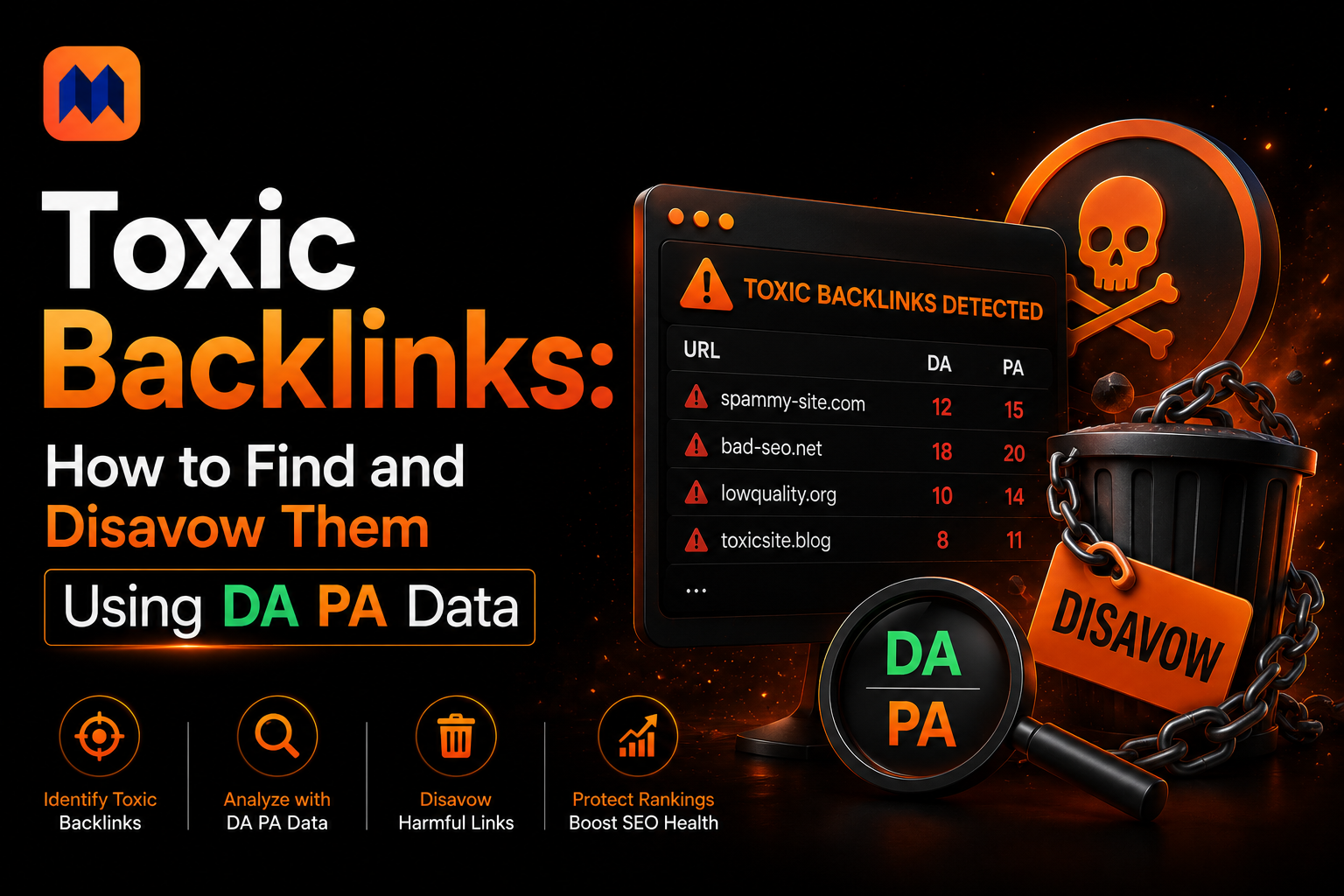
Toxic Backlinks: How to Find and Disavow Them Using DA PA Data
Your site has links pointing at it that you never asked for. Some are harmless. Others are quietly lowering your DA, raising your Spam Score, and pulling your rankings down.
The hard part isn’t fixing toxic backlinks. It’s knowing which links are actually toxic versus just weak, and which ones to disavow versus leave alone.
This guide shows you how to use DA/PA Checker and Spam Score data to find every risky link in your profile, build a surgical disavow file, and clean up without accidentally removing links that were helping you.
What Actually Makes a Backlink Toxic
Not every weak link is toxic. A DA 12 blog in your niche that got a link to you organically is harmless — just low value. Toxic is different. Toxic means the link actively works against you.
Google defines toxic backlinks as links acquired unnaturally that violate its link spam guidelines. The practical markers are clearer:
- Links from sites with no real content — just doorways, scraped text, or auto-generated pages
- Links embedded in spam networks — private blog networks, link farms, or paid link schemes
- Hundreds of identical anchor text links across different domains — a clear manipulation signal
- Links from sites in completely unrelated niches or foreign languages with no relevance to yours
- Sudden large batches of new links with no logical source — often a negative SEO attack
The distinction matters because disavowing weak-but-harmless links removes link equity you actually earned. The goal is surgical precision — cut the toxic links, protect everything else.
Google’s algorithms already ignore many low-quality links automatically. John Mueller confirmed in 2019 that Google discounts links from sites where natural links are unlikely. But it doesn’t catch everything. Manual actions still happen when patterns of unnatural links are blatant enough to trigger a human reviewer.
How DA, PA, and Spam Score Help You Find Toxic Links
Running your backlink list through a DA PA checker gives you three signals that together flag toxic link candidates faster than any manual review:
Domain Authority (DA) as a First Filter
DA measures the overall backlink profile strength of the linking domain. Sites with DA below 10 rarely have legitimate editorial content. DA 1–5 sites almost always exist for manipulation purposes.
DA alone doesn’t confirm toxicity. A new legitimate site can have DA 3. But when low DA combines with high Spam Score and zero organic traffic, the picture becomes clear.
Spam Score as the Primary Toxicity Signal
Spam Score is Moz’s toxicity flag. It measures how many signals a domain shares with sites Google has penalized or deindexed. The scale runs 1–100%.
Working thresholds used by professional link builders:
- 1–20% — Low risk. Safe to keep unless other red flags are present.
- 21–40% — Moderate risk. Manual review before keeping or disavowing.
- 41–60% — High risk. Investigate and likely disavow.
- 61–100% — Disavow unless you have a specific reason not to.
Page Authority (PA) of the Linking Page
PA tells you how much authority the specific linking page carries. A spammy link from a PA 2 inner page on a questionable domain is a clearer toxic signal than a link from a high-PA page on the same domain.
When both DA and PA are very low (DA 5, PA 1–2) and Spam Score is above 50%, you’re almost always looking at a disposable page created for link manipulation. These go directly into the disavowal list.
Step-by-Step: How to Find Toxic Backlinks Using DA PA Data
Step 1 — Export Your Full Backlink List
Pull your complete backlink list from Moz Link Explorer, Ahrefs, or Semrush. Export as CSV. You want every linking domain, the specific URL of the linking page, and the anchor text used.
Google Search Console also shows backlinks under “Links” — it’s free and useful for initial review, but its list is often incomplete. Use it alongside a dedicated tool, not instead of one.
Step 2 — Bulk Check All Linking Domains
Take all unique linking domains and paste them into a bulk DA PA checker. Get DA, PA, and Spam Score for every domain in one run. Download results as CSV.
You’re building a master sheet with these columns: Linking Domain, DA, PA, Spam Score, Anchor Text, Dofollow/Nofollow, and a Risk column you’ll populate next.
Step 3 — Apply the Toxicity Scoring Matrix
Use this combined DA and Spam Score grid to assign a risk level to each linking domain. This replaces the need to manually review hundreds of links before you’ve narrowed the list:
| Linking Domain DA | Spam Score | Risk Level | Action |
| DA below 10 | Above 60% | High | Near-certain toxic. Disavow after quick manual check. |
| DA below 20 | 40–60% | High | Very likely toxic. Open the site before deciding. |
| DA 20–35 | 40–60% | Medium | Investigate manually. Check traffic and content relevance. |
| DA 20–35 | Below 20% | Low | Probably safe. Weak link but clean profile. |
| DA 35+ | Above 60% | Medium | Don’t ignore this. High DA doesn’t cancel toxic signals. |
| DA 35+ | Below 20% | Low | Safe territory. Focus elsewhere. |
| Any DA | Above 75% | Critical | Disavow. No DA justifies a 75%+ Spam Score. |
Fill your Risk column based on this grid. Every “High” and “Critical” row gets flagged for the next step. “Medium” rows go into a manual review queue.
Step 4 — Manual Review of Flagged Domains
Open every flagged domain in a browser. You’re looking for three things:
- Is the site real? Does it have genuine content, an identifiable niche, and some trace of a real audience?
- Is your link in a natural context? Or is it buried in a footer, sidebar, or link list with dozens of other unrelated outbound links?
- Does the site have organic traffic? A quick Semrush or Ahrefs search shows estimated visitors. Zero traffic on a DA 15 site is a red flag.
Sites that fail all three checks are confirmed toxic. Sites that pass all three — even with a moderate Spam Score — are likely safe to keep. Document your decision in the Risk column.
Step 5 — Identify Anchor Text Patterns
Check the “Anchor Text” column across your confirmed toxic links. If you see the same exact commercial keyword repeated across 50–100 different domains, that’s an anchor text manipulation pattern.
Over-optimized anchor text is a manual action trigger. Google’s algorithm treats a backlink profile where 80%+ of links use identical keyword anchors as evidence of paid link schemes. Flag every domain in that cluster for disavowal.
Types of Toxic Backlinks and What to Do With Each
Different toxic link types need slightly different handling. Knowing what you’re dealing with saves time during the review phase:
| Link Type | How to Spot It | What to Do |
| Link farms | DA 1–10, identical content, hundreds of outbound links per page | Disavow immediately. These exist purely for manipulation. |
| Private blog networks (PBNs) | Thin content, no real authors, site-wide footer links | Disavow. Google actively targets PBN networks. |
| Spammy directories | No editorial standards, accepts any submission, unrelated categories | Disavow if DA is low and Spam Score is high. |
| Hacked sites | Normal-looking site with injected links in footer or sidebar | Disavow. The site owner may not even know they link to you. |
| Negative SEO attacks | Sudden spike in links from foreign-language spam domains | Disavow the batch. File a report in Google Search Console. |
| Over-optimized anchors | 100+ links with exact-match commercial keyword anchors | Investigate source. Disavow if the pattern looks manipulative. |
| Comment spam | Links dropped in blog post comments, forum threads | Usually nofollow. If dofollow, check and disavow high-Spam Score sources. |
Negative SEO attacks deserve special mention. A competitor or bad actor can point thousands of spam links at your domain without your knowledge. The pattern is usually obvious: hundreds of links appear overnight from foreign-language domains with irrelevant content.
When you spot a negative SEO attack, act fast. Disavow the entire batch at the domain level. File a report via Google Search Console’s spam report. The disavow file protects you while Google investigates.
How to Build Your Disavow File Correctly
The disavow file is a plain text file (.txt) that tells Google to ignore specific links when evaluating your site. Get the format wrong and Google ignores the file entirely.
Domain-Level vs URL-Level Disavowal
You can disavow at the URL level (one specific page) or domain level (all links from that domain now and in future). For toxic sources, always disavow at the domain level.
A spam domain will generate new links over time. Disavowing a specific URL only blocks one link from that domain. Disavowing the domain blocks every link from it permanently.
Correct Disavow File Format
The file must be UTF-8 encoded plain text. One entry per line. Comments start with #. Domain-level entries use the format below:
# Toxic links found during backlink audit — [date]
domain:spamexample.com
domain:linkfarm123.net
domain:spammydirectory.org
Don’t include https:// in domain entries. Don’t add trailing slashes. Each domain on its own line with the “domain:” prefix. Save as disavow.txt.
Submitting to Google Search Console
Go to search.google.com/search-console/disavow-links. Select your property. Upload the disavow.txt file. Google accepts it within seconds but processing takes weeks.
Google doesn’t confirm which specific links it acted on. The disavow file is a suggestion, not a guarantee. Google’s algorithms ultimately decide how much weight to give it. Most well-formed disavow files see the expected effects within 4–8 weeks.
What Happens After You Disavow — And How to Track Recovery
Disavowing doesn’t instantly fix anything. Google needs to recrawl your site and reprocess your link profile. That takes time.
Here’s what a realistic recovery timeline looks like:
- Weeks 1–2: Google crawls your site and discovers the disavow file. No visible changes yet.
- Weeks 3–4: Google begins reprocessing your link profile without the disavowed domains.
- Weeks 4–8: DA may start recovering in Moz’s next index cycle. Rankings may stabilize.
- Months 2–3: Full recovery visible if the toxic links were causing real damage.
Spam Score is the clearest recovery indicator. Check it monthly using a DA PA checker. If Spam Score drops after disavowal, the process is working. If it stays high, new toxic links may have appeared and you need another audit round.
Disavowing doesn’t remove the links from your profile. They still appear in Moz, Ahrefs, and Semrush. Google just stops counting them. Don’t worry when you still see them in your backlink data — they’re neutralized, not deleted.
Disavow Mistakes That Make Things Worse
Mass Disavowing Without Manual Review
Bulk disavowing every link below DA 20 or above 30% Spam Score removes legitimate links alongside toxic ones. A DA 18 local business directory with 15% Spam Score might be a clean, relevant link. Check before you cut.
Disavowing at URL Level Instead of Domain Level
Disavowing one URL from a spam domain leaves every other link from that domain intact. Always disavow at domain level for confirmed toxic sources. One line covers all past and future links from that domain.
Not Trying Link Removal First
For links from real sites — not clear spam factories — email the site owner first. A short, polite removal request sometimes works, especially for smaller blogs or legitimate directories that added your link without much thought. Document your outreach in case you need to reference it later.
Treating Disavowal as One-Time Maintenance
New toxic links appear constantly. Negative SEO attacks can hit any time. Set a monthly calendar reminder to run your backlinks through a DA PA checker and check for new high-Spam Score additions. Catching toxic links in the first month costs a single disavow entry. Letting them accumulate for a year can trigger a manual action.
Conclusion
Toxic backlinks don’t always announce themselves. A slow DA decline, a rising Spam Score, or a sudden ranking drop can all trace back to links you didn’t build and didn’t want.
The process is straightforward: export your backlinks, bulk-check DA and Spam Score, apply the toxicity grid, manually verify flagged domains, build a precise disavow file, and submit. Run it monthly. Catch problems early before they trigger a manual action or compound into a harder-to-fix DA problem.
The goal isn’t a perfect backlink profile. It’s a clean one — where strong, relevant links earn their weight and toxic links don’t quietly undo the work that built them.