What is a DA PA Checker? Complete Beginner Guide
Let me be honest with you — when I first started learning SEO, the terms “DA” and “PA” confused me for longer than I’d like to admit. Everyone in forums and Facebook groups kept throwing these numbers around like they were obvious, and I kept nodding along pretending I understood.
So if you’re sitting there wondering what a DA PA checker actually is and why people keep talking about it — I’ve been exactly where you are. Let’s clear it up properly.
What is Domain Authority (DA)?
Moz created Domain Authority as a scoring system that runs from 1 to 100. The whole point of it is to give you a quick sense of how strong a website is — nothing more complicated than that.
The basic logic works like this: the higher your DA score, the better your chances of showing up in Google search results. A site sitting at DA 1 is essentially brand new with zero track record. On the other end, a score in the 90s puts you in the same league as Wikipedia or BBC — sites that have been around forever and have millions of links pointing at them.
To give you a more practical picture:
A brand new website you launched last month? Probably sitting at a DA of 1 or 2. A niche blog that’s been around for three years with a solid backlink profile? Maybe DA 25–40. An established business website that gets covered by other publications? You’re looking at DA 50 and above.
Now here’s something a lot of beginners get wrong — DA is not something Google created or uses. Google has never included it as a ranking factor. It’s a Moz invention, and Moz built it as a way for SEO professionals to quickly size up a website without having to dig through mountains of data. Think of it less as an official score and more as a useful shortcut.
Moz calculates DA by looking at things like how many websites link to you, how trustworthy those websites are, how long your domain has been around, and how diverse your backlink sources are.
What is Page Authority (PA)?
If DA measures your entire website, PA zooms in on one single page.
Here’s a real example to make it click. Imagine you run a travel blog. Your homepage has been around for years, has hundreds of backlinks pointing to it, and carries a PA of 55. But that blog post you wrote last month about budget hotels in Bangkok? It’s new, barely linked to, and sits at a PA of 12.
Same website, two completely different page-level scores. That’s exactly what PA captures.
PA also runs from 1 to 100, also comes from Moz, and works on the same logic as DA — more quality links pointing to a specific page means a higher score and a better shot at ranking.
Where PA becomes really useful is in two specific situations. First, when you’re doing your own site audit and want to know which pages are actually pulling weight. Second, when you’re about to land a guest post on someone else’s site and want to know how strong that specific page will be — not just the domain as a whole.
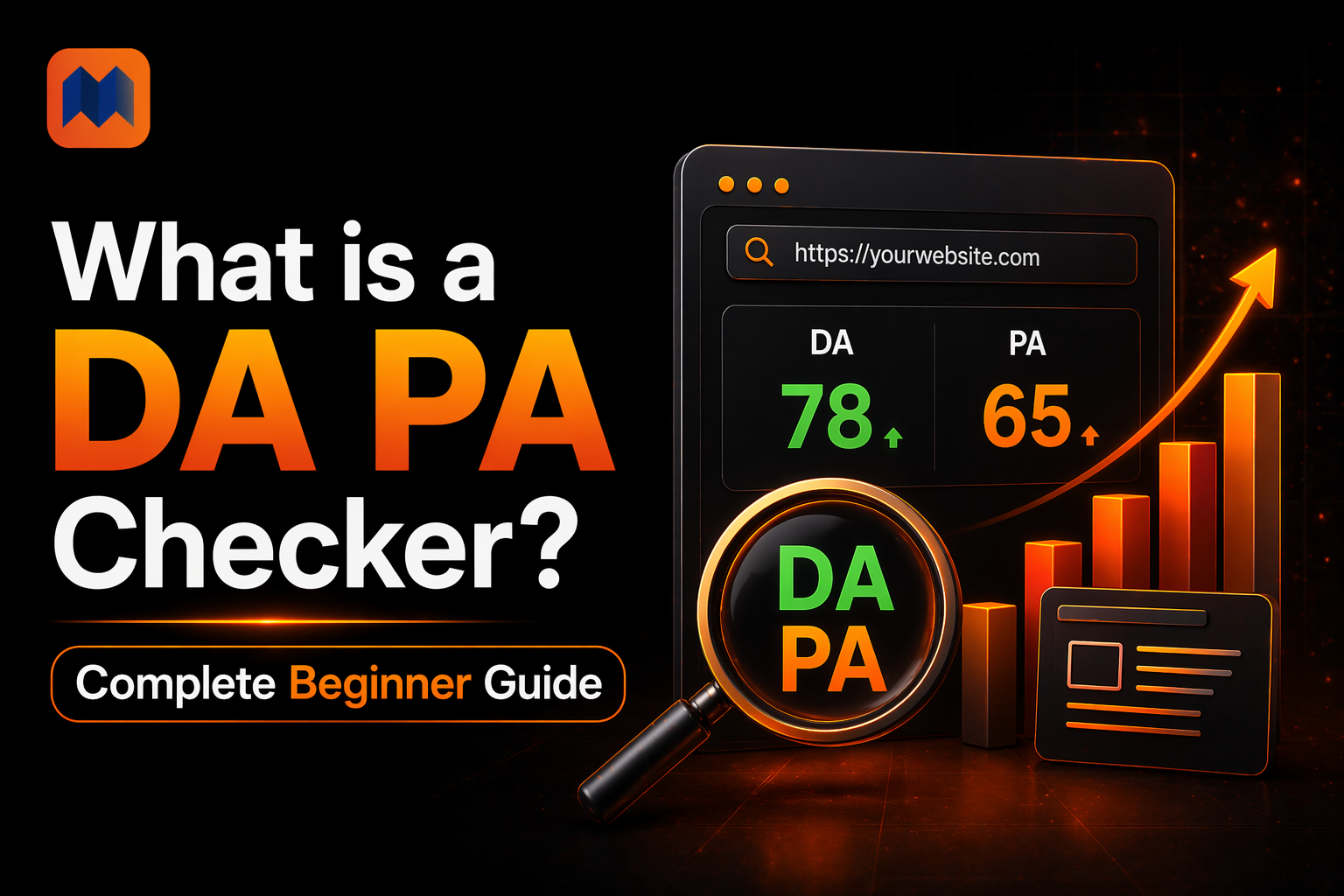
What is a DA PA Checker?
Put simply, it’s a tool that saves you time.
Instead of logging into Moz, creating an account, and manually searching each URL one by one, a DA PA checker lets you drop in a list of websites and get all the numbers back in seconds — for free.
I use it almost every week. Anytime someone pitches me a guest post opportunity, I paste their URL in before I even reply to their email. If their DA is 8 and their spam score is 70%, I already know it’s not worth my time. That kind of quick filter is exactly what these tools are built for.
Beyond DA and PA, most checkers will also show you:
- Spam Score (SS) — flags websites that look dodgy to Moz’s algorithm. High spam score = avoid that site’s links.
- Domain Age — older domains generally carry more trust, so this gives you useful context.
- IP Address — tells you where the site is hosted, which can matter in certain link building situations.
- Domain Rating (DR) and URL Rating (UR) — these are Ahrefs’ version of the same concept. Some checkers show both Moz and Ahrefs data side by side, which is handy.
Why Should You Actually Use One?
Fair question. If DA isn’t a Google metric, why does it matter?
Because it’s still one of the fastest ways to tell whether a website is worth your attention. Here’s where it genuinely helps in day-to-day SEO work:
Guest posting and link building — Before you spend time writing a 1,500-word guest post for someone’s site, check their DA. A link from a DA 6 site with a spam score of 65 isn’t going to help you — it might actually hurt. A DA PA checker helps you filter out the junk fast.
Sizing up competitors — When a competitor keeps outranking you for keywords you care about, their DA tells you part of the story. If they’re sitting at DA 55 and you’re at DA 18, you know the gap you’re dealing with.
Buying websites or expired domains — This is where getting it wrong can be expensive. A site might look clean on the surface but have a terrible backlink history. Always run it through a DA PA checker — and pay close attention to the spam score — before you hand over any money.
Tracking your own growth — DA moves slowly, but it does move. Checking your own score every month or two gives you a concrete way to see whether your link building efforts are actually doing something.
Spotting bad backlinks — If you run your own domain through a checker and the spam score is creeping up, that’s a sign you’ve picked up some low-quality links somewhere. Better to catch that early.
How Does It Actually Work Behind the Scenes?
Nothing complicated here. When you paste a URL into a DA PA checker, the tool sends a request to Moz’s API, pulls the latest data on file for that domain, and displays it back to you.
The key word there is “API.” Tools like dapa-checker.com use Moz’s premium API access, which means you’re getting the same data Moz shows in its own paid platform — just without needing an account or subscription yourself.
The whole lookup usually takes two to three seconds per URL. If you’re checking in bulk, maybe a few seconds more. Either way, it’s fast.
How to Use a DA PA Checker (No Tech Skills Needed)
Seriously, this takes about 30 seconds once you’ve done it once.
Step 1: Open dapa-checker.com in your browser.
Step 2: Paste in the URL or URLs you want to check — one per line if you’re checking multiple sites.
Step 3: Hit the “Check DA PA” button and wait a couple of seconds.
Step 4: Your results appear — DA, PA, spam score, domain age, all of it laid out in a clean table.
Step 5: Want to save the data? Hit the export button and download it as an Excel file. Useful if you’re putting together a link prospecting sheet or reporting to a client.
No signup. No captcha. No limits. Just paste and go.
Making Sense of the Numbers You Get Back
When your results load, here’s a rough guide to what you’re looking at:
| DA Score | What It Actually Means |
| 1 – 20 | New or very weak site — limited SEO value |
| 21 – 40 | Some authority built up, still developing |
| 41 – 60 | Decent authority — competitive in most niches |
| 61 – 80 | Strong, well-established site |
| 81 – 100 | Major publications, household brand names |
One thing worth saying here — don’t compare your DA to random big websites. A DA of 30 for a local plumbing business blog is actually really solid. The only comparison that matters is your direct competitors in your niche. If the top 5 results for your main keyword all have DA between 25 and 40, you’re in a realistic range to compete.
On spam score — keep it below 30% and you’re fine. Once it starts pushing past 60%, that’s a site you want to stay away from, whether for linking purposes or buying.
DA vs PA — Which One Should You Pay More Attention To?
Depends on what you’re trying to do.
If you’re deciding whether to pursue a relationship with a website — a guest post, a partnership, buying a link — DA is your headline number. It tells you the overall weight that domain carries.
If you’re evaluating a specific page — like the exact URL where your guest post will live, or a page you’re trying to build links to on your own site — PA is the number that matters. A page on a high-DA site can still have a low PA if nobody links to that specific page.
In reality, most experienced SEOs glance at both and make a judgment call based on the full picture.
What DA Score Should You Actually Be Aiming For?
There’s no magic number. Anyone who tells you “you need to hit DA 50” without knowing your niche is giving you generic advice.
The real answer is: check what DA scores the sites currently ranking on page one for your target keywords have. That’s your benchmark. If they’re all between DA 20 and 35, then hitting DA 40 puts you in a strong position. If they’re all DA 70+, you know you’ve got a longer road ahead.
Most SEOs agree that DA 50+ is where you’re considered genuinely competitive in most industries, and DA 60+ means you’ve built something substantial.
Mistakes I See Beginners Make All the Time
Treating DA like it’s the only thing that matters. It doesn’t matter how high your DA is if your content is thin, your site is slow, or your pages aren’t optimized. DA is one piece of the puzzle — not the whole thing.
Checking it once and never again. Your DA changes as you build links, lose links, or your competitors do the same. Check it monthly at minimum so you’re not flying blind.
Skipping the spam score. I’ve seen people get excited about landing a link from a DA 40 site without noticing the spam score is 75%. That kind of link does more harm than good. Always look at spam scores alongside DA.
Panicking over short-term drops. DA fluctuates. If yours drops by 3 points one month, that’s not necessarily a disaster. Moz updates its index regularly and scores shift. Look at the 3-6 month trend, not week-to-week.
Conclusion
A DA PA checker isn’t some advanced SEO tool reserved for professionals. It’s a basic, practical thing you should be using regularly — whether you’re checking a site before pitching a guest post, keeping an eye on your own authority, or just trying to understand why a competitor keeps outranking you.
The best part is that you don’t need to pay for anything or jump through hoops to use one. dapa-checker.com gives you free access to accurate, Moz-powered DA, PA, and spam score data for any website, with no account required and no limits on how many URLs you check.
Run your own site through it today. Then check a couple of your top competitors. Just seeing those numbers side by side will tell you a lot about where you stand — and where you need to go.